Features
Make the camera work for you.
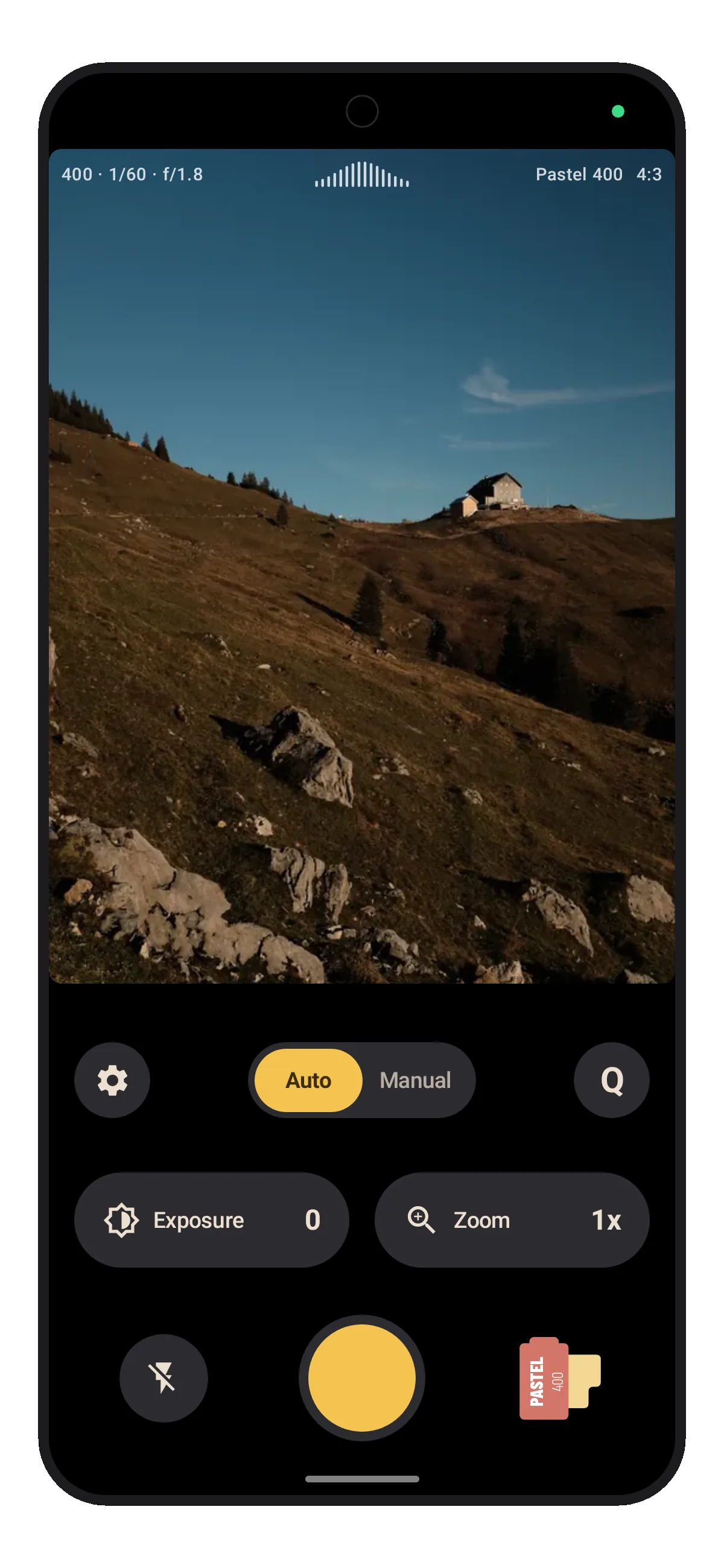
Choose your look
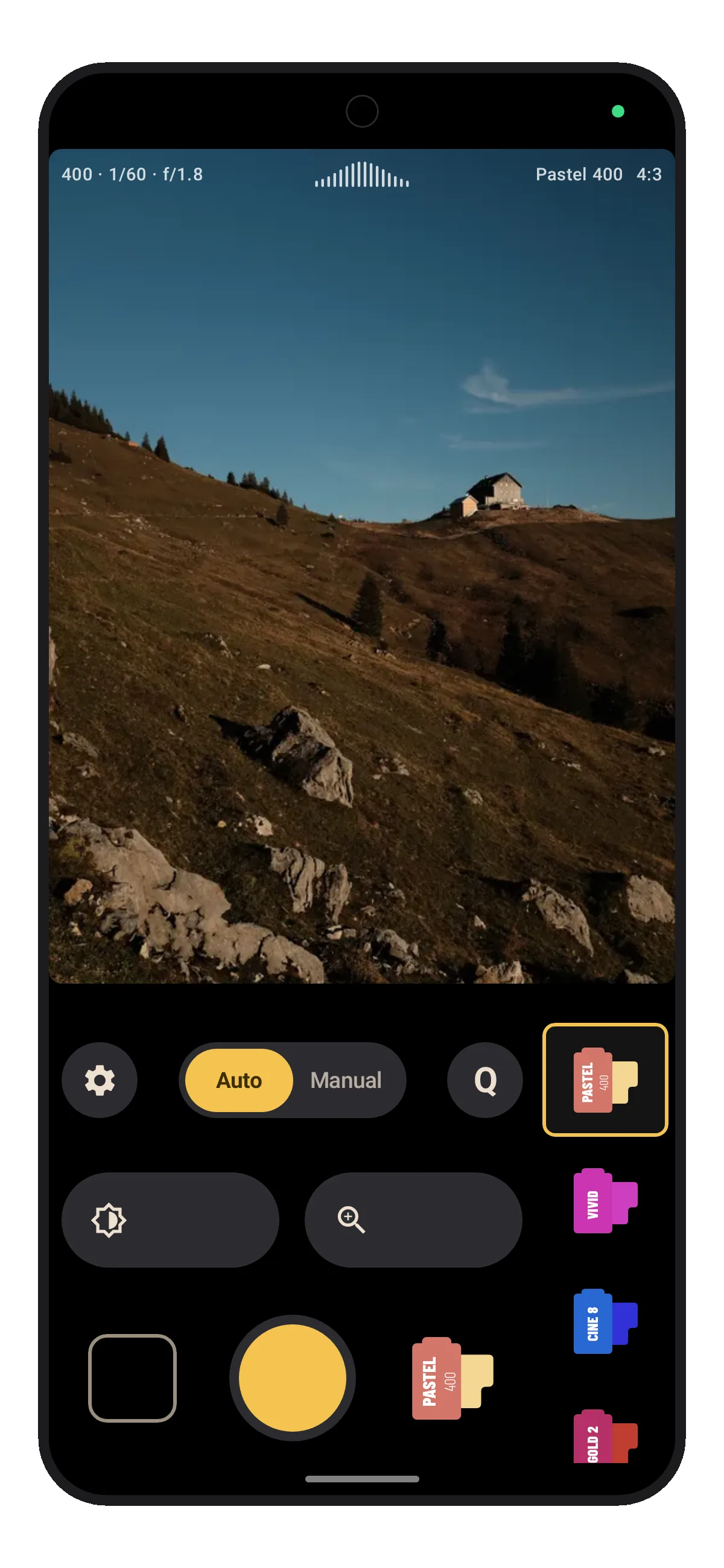
Pick a built-in look or make your own. The result is directly visible in the viewfinder.
Built-in film looks
 Black & White
 Sepia
Sepia Pastel 400
 Vivid 50
 Cine 800
 Vivid 100
 Faded Film
 Film Noir
 Golden Hour
 Arctic
 Steine
Shoot from any position
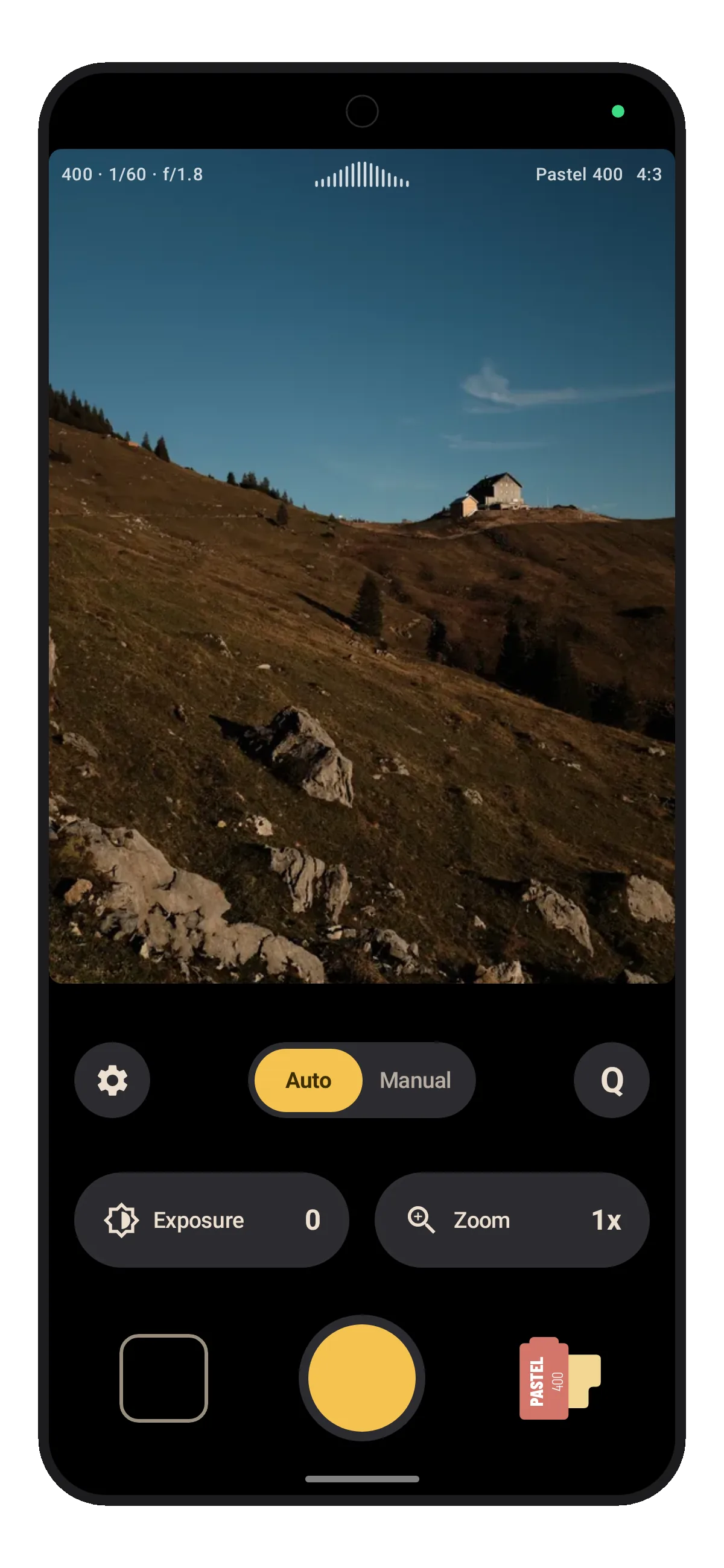
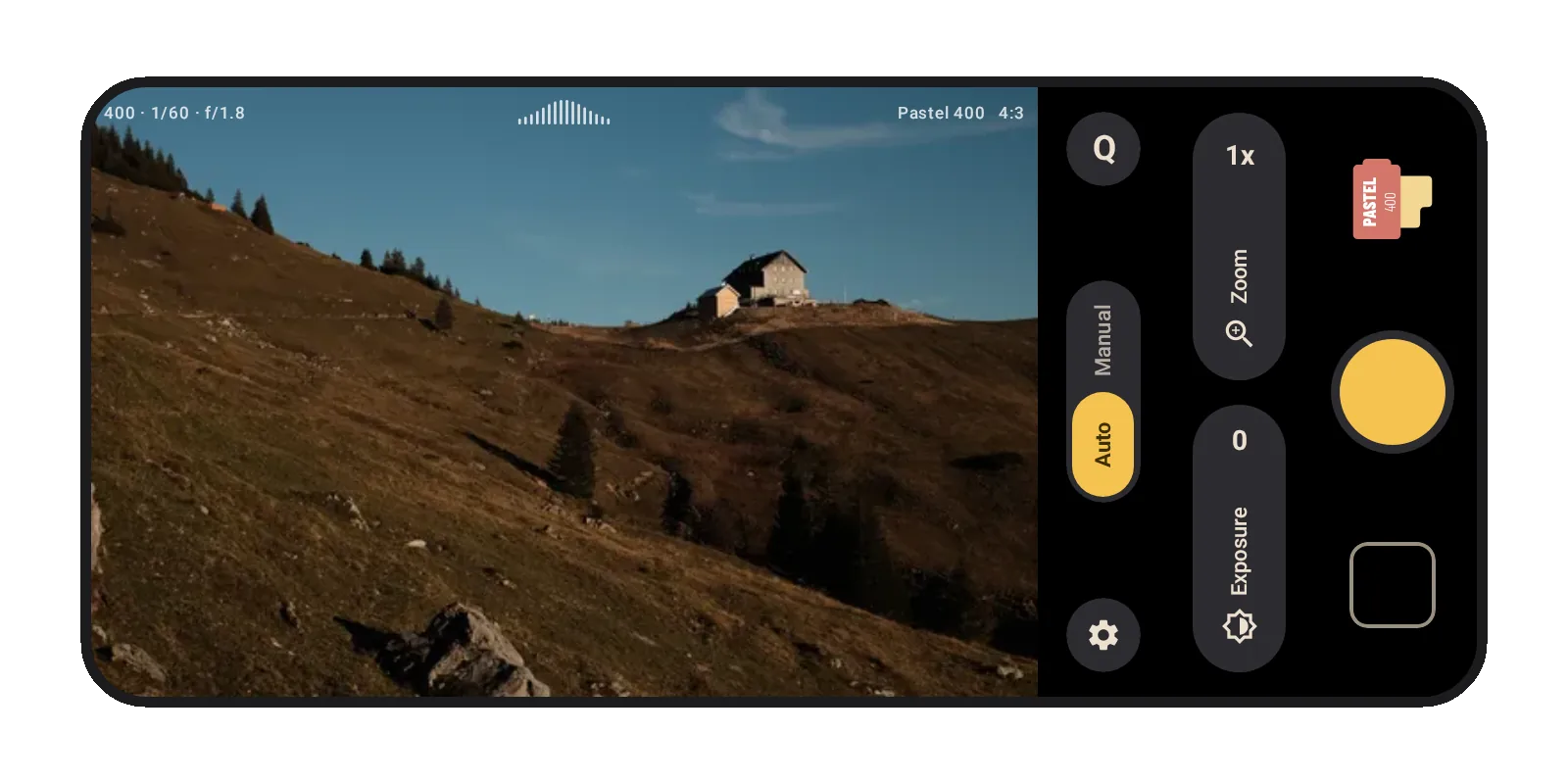
Use Lvma one-handed in portrait or turn your phone and keep shooting in landscape.
Set up your camera
Arrange the Q menu and shutter row around the controls you actually use.
Quick settings
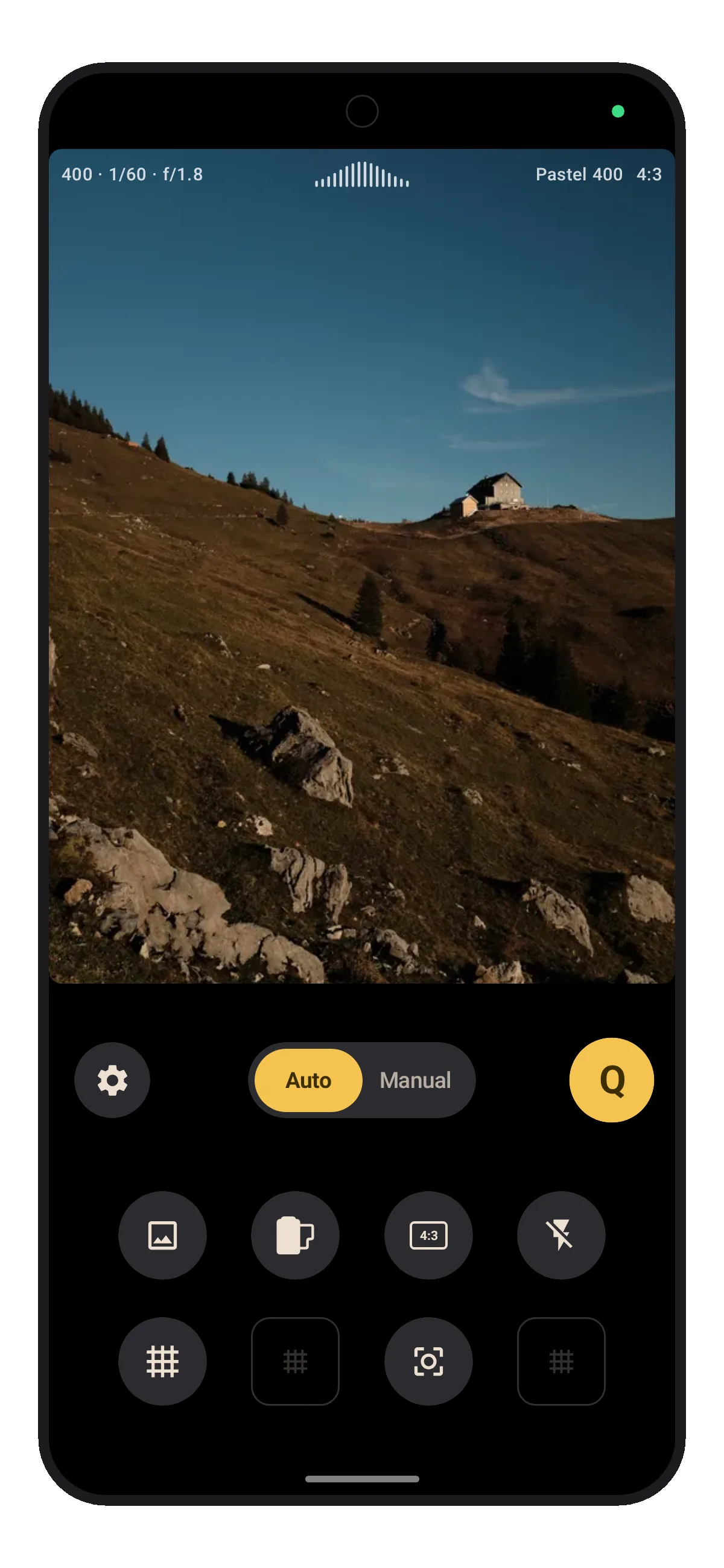
Keep the settings you reach for in the Q menu and choose your preferred layout for the menu.
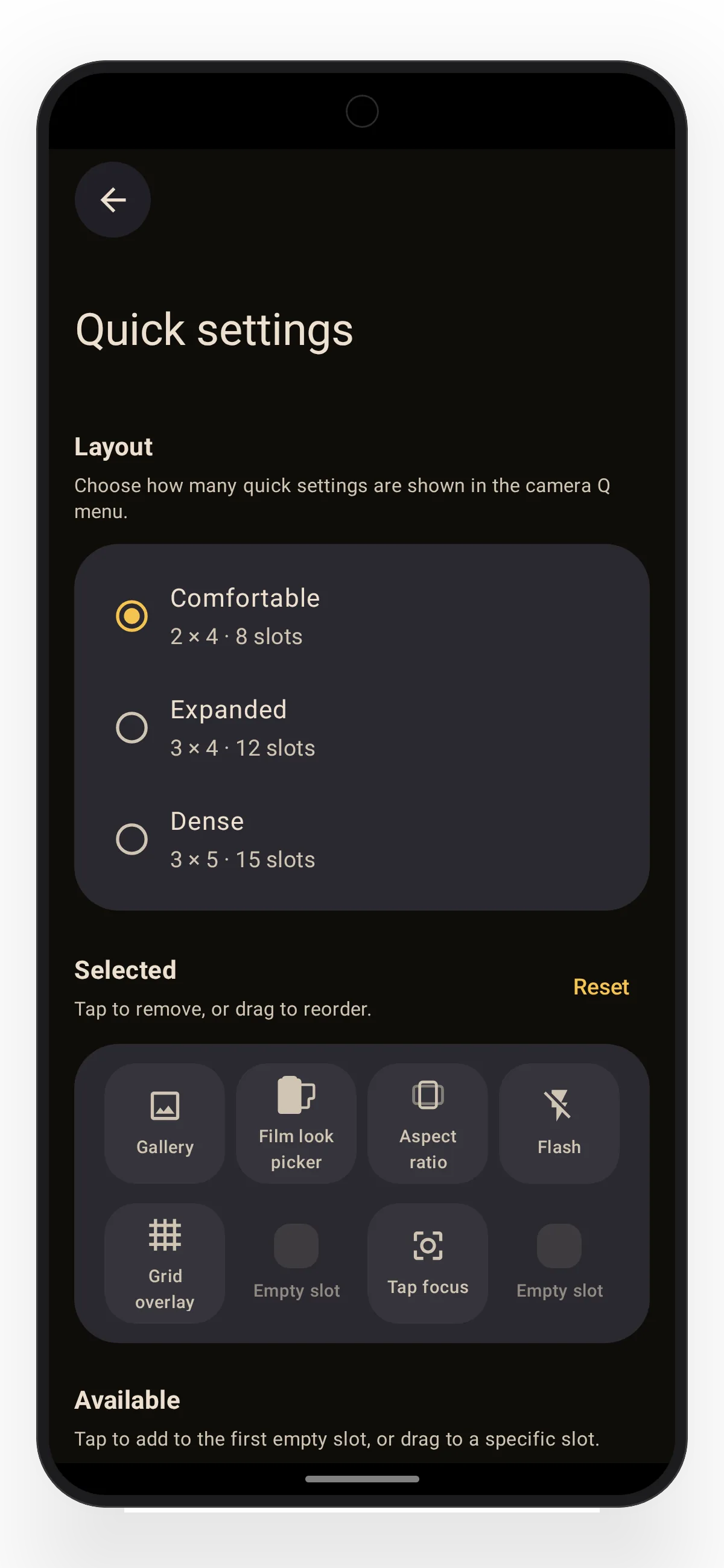
Adapt the shutter row
Put your most-used options beside the shutter and drag them into place.
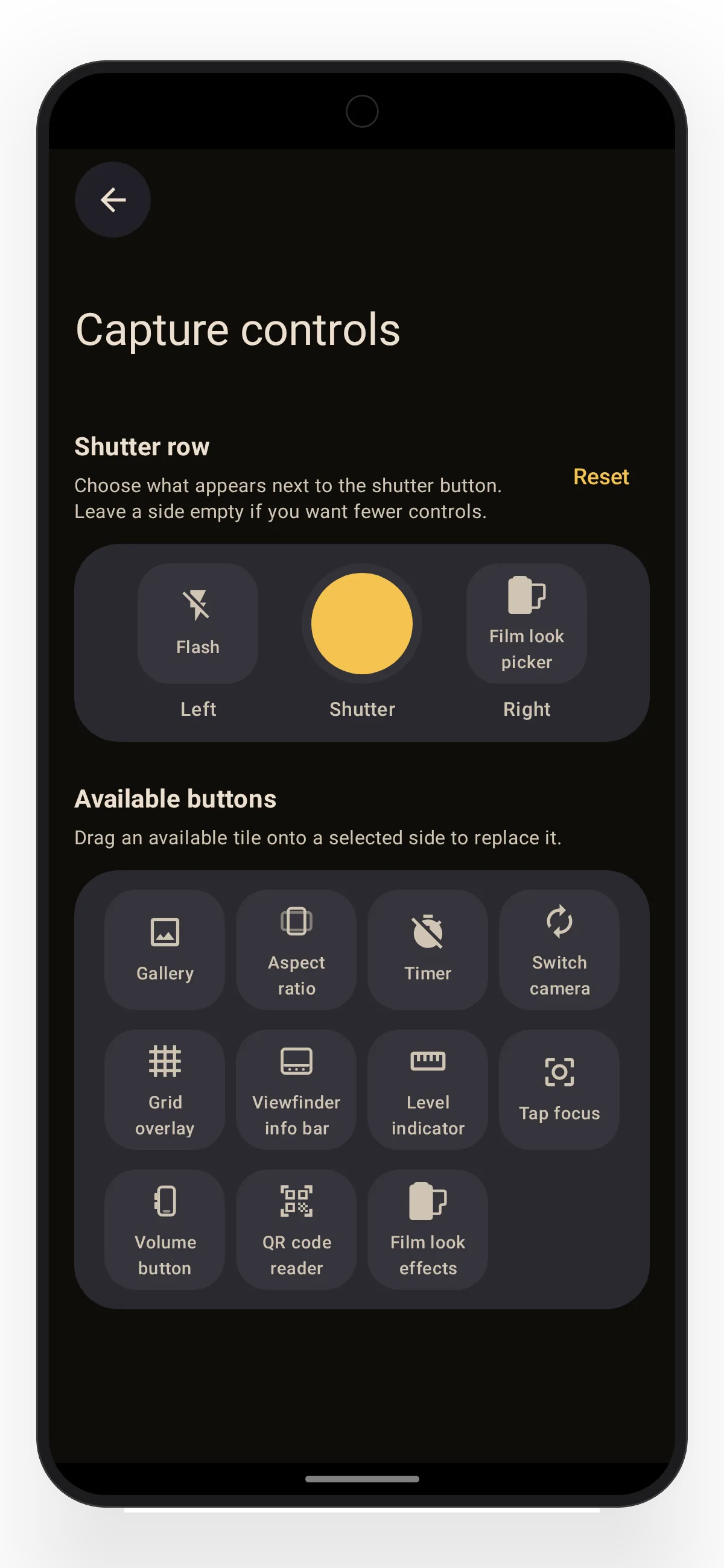
Focus and viewfinder
Control how focus behaves and which shooting details stay on screen.
Tap focus
Let focus keep adjusting around the point you tap, or lock it there for five seconds.
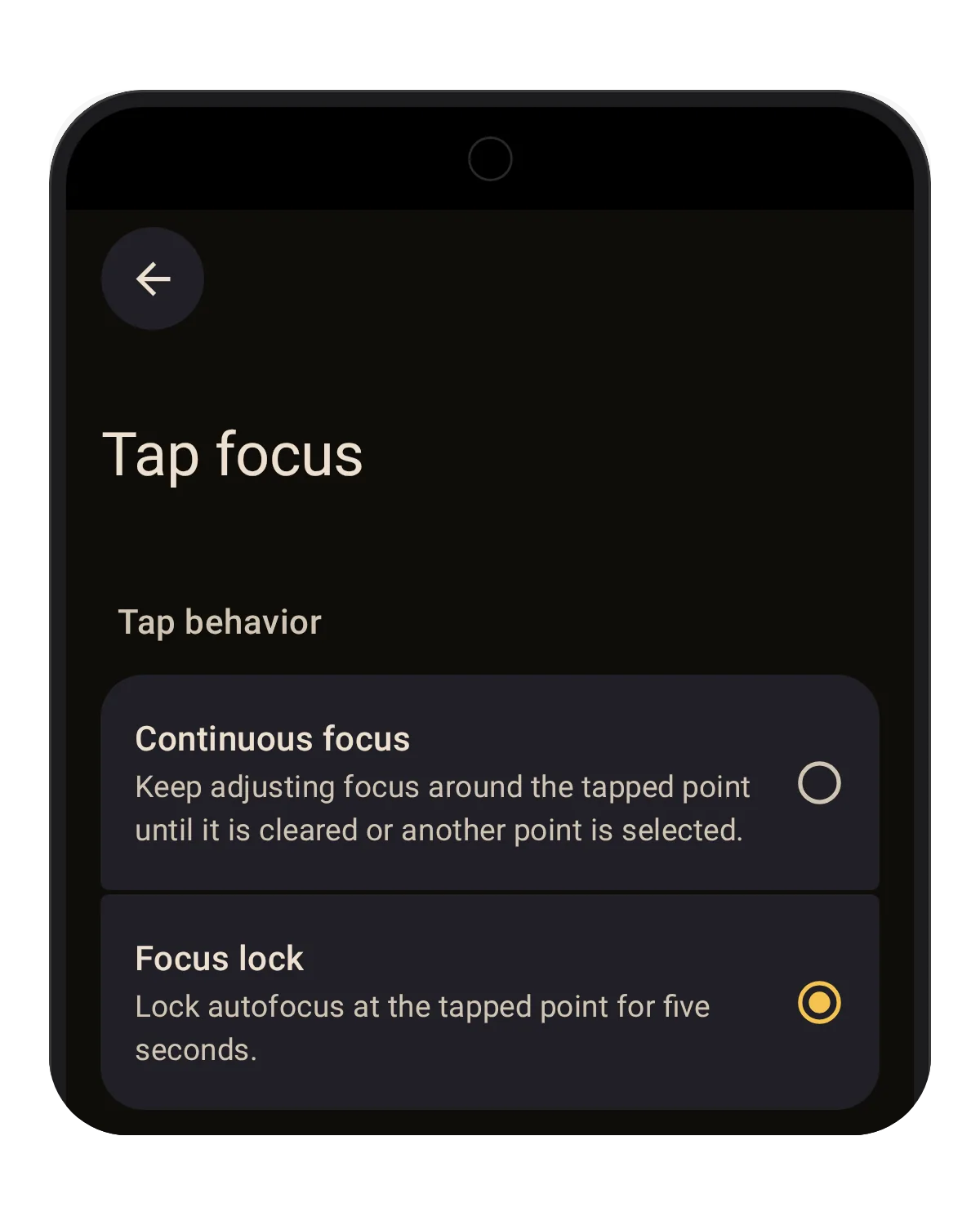
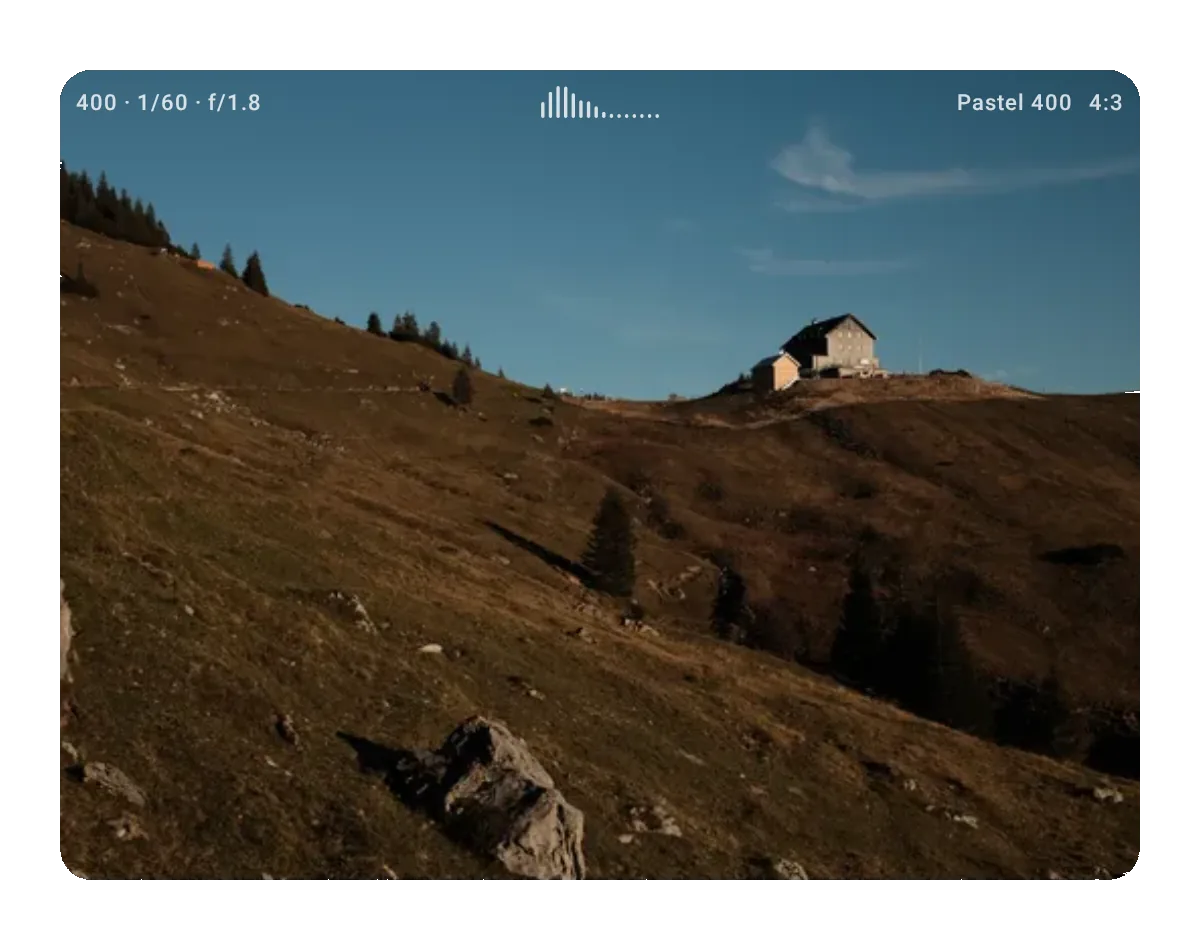
Keep useful details in view
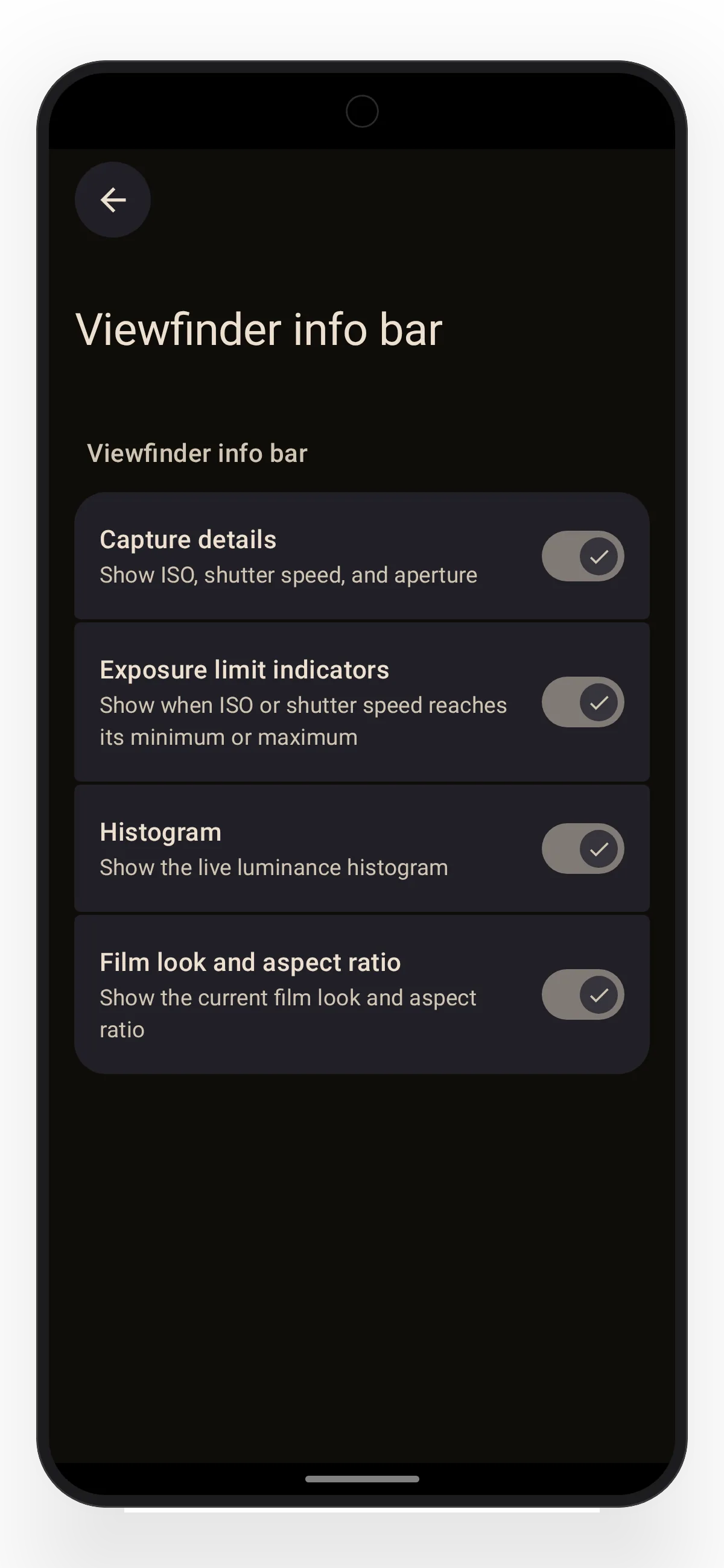
Show the exposure values, limits, histogram, and film look information you want while framing.
Make the camera feel like yours
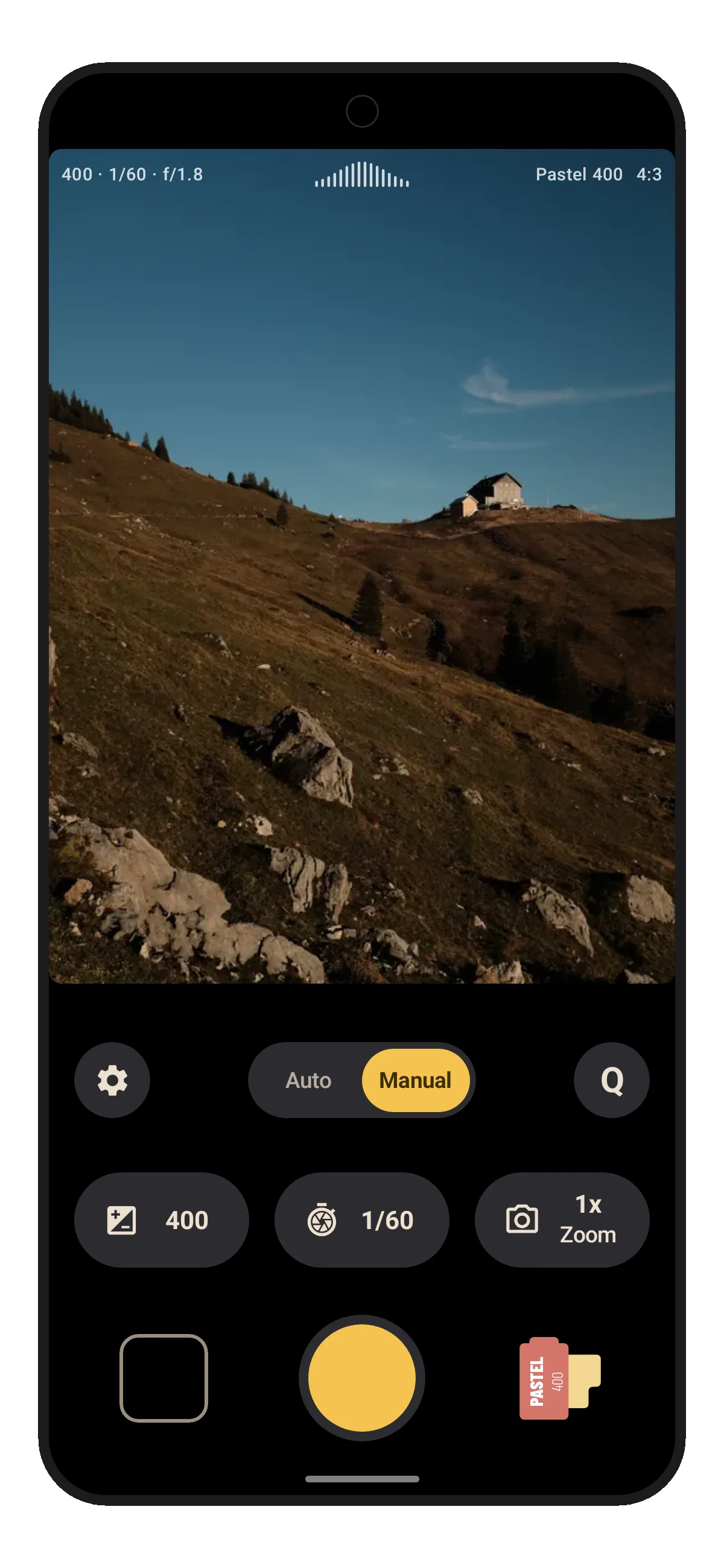
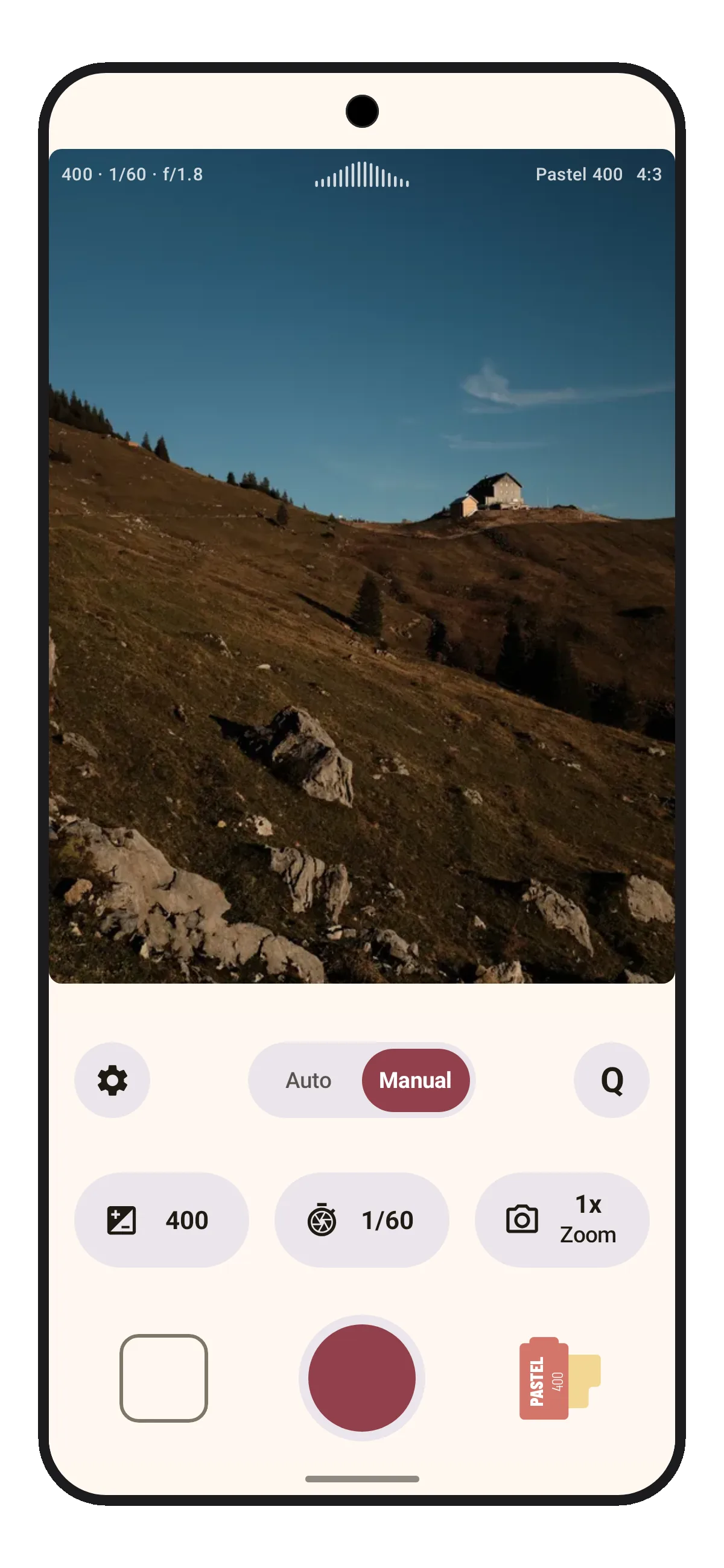
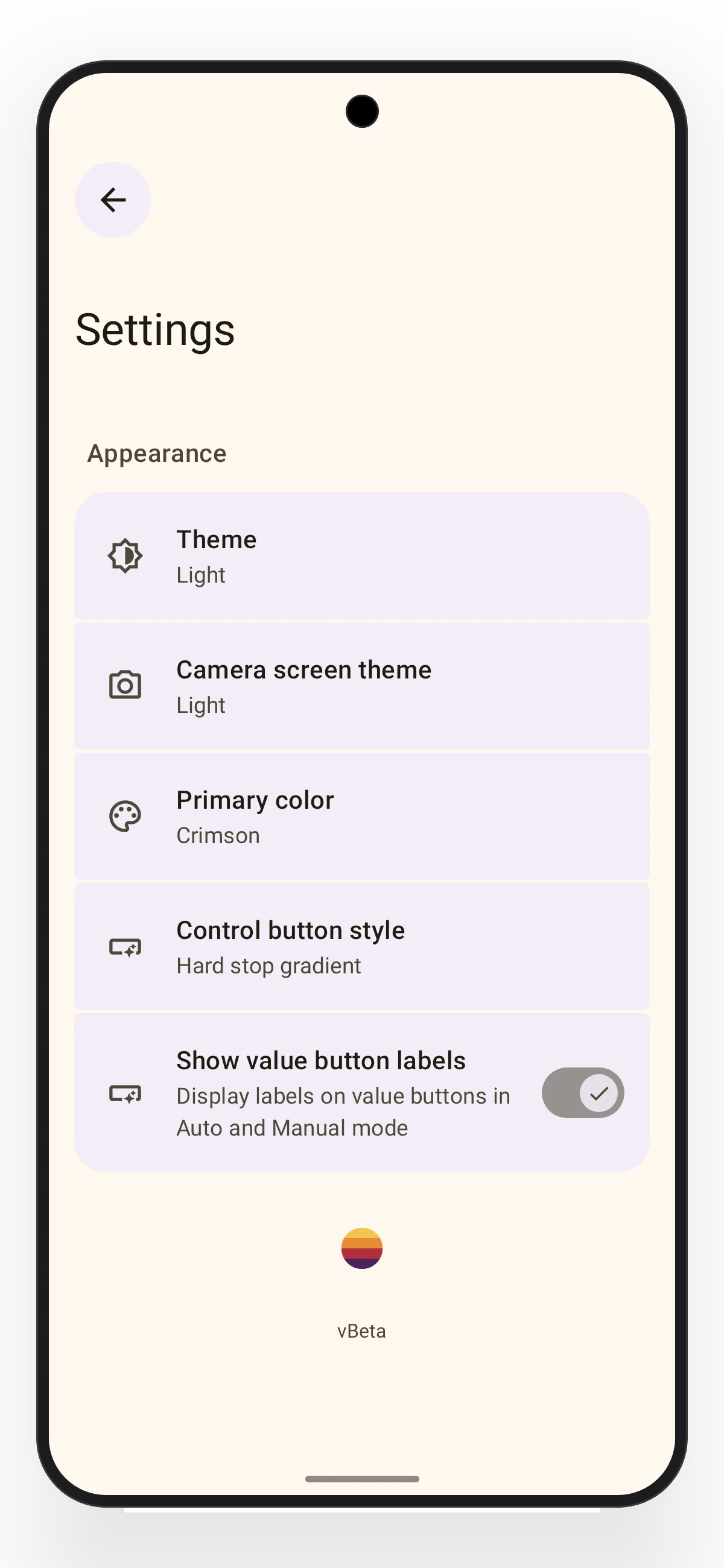
Choose a theme, accent color, and control style, then decide which values stay visible.
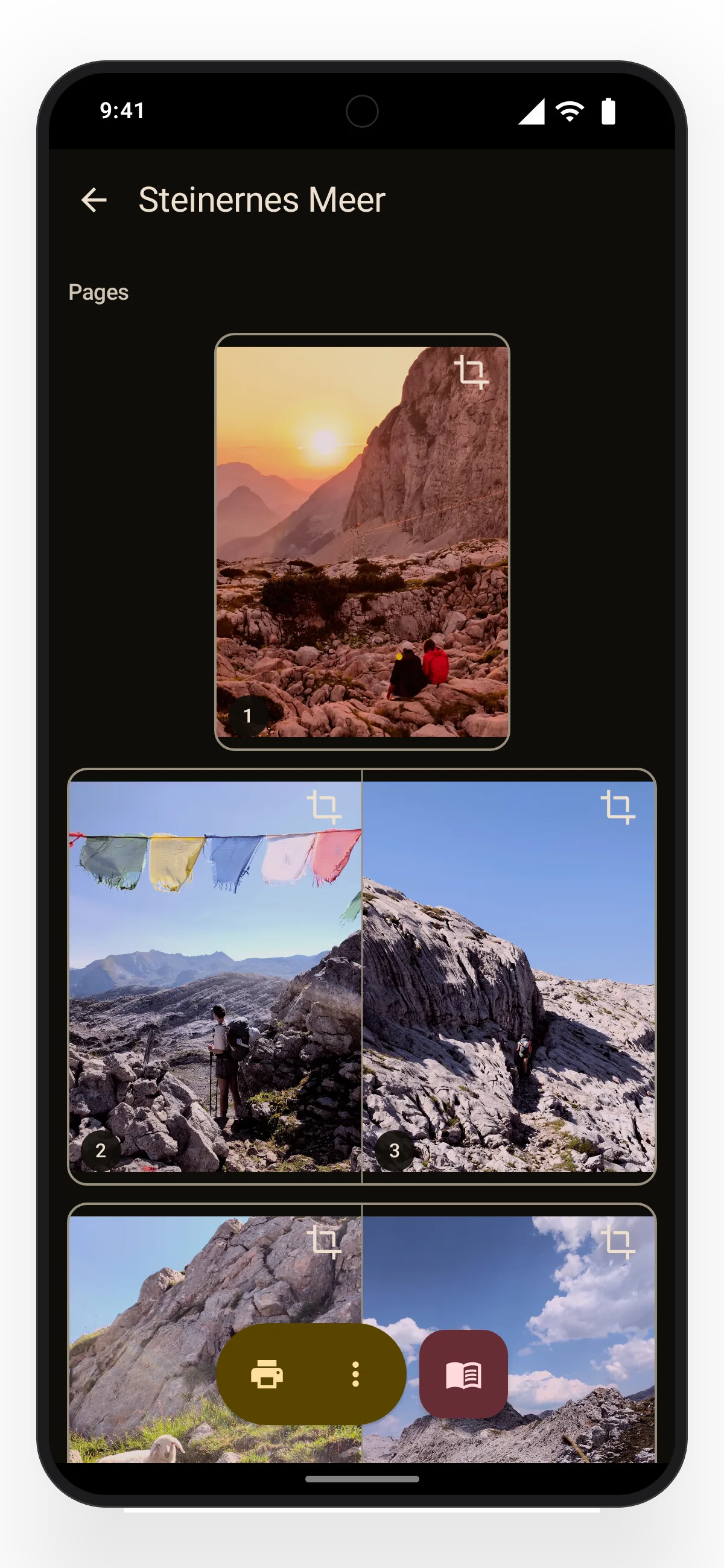
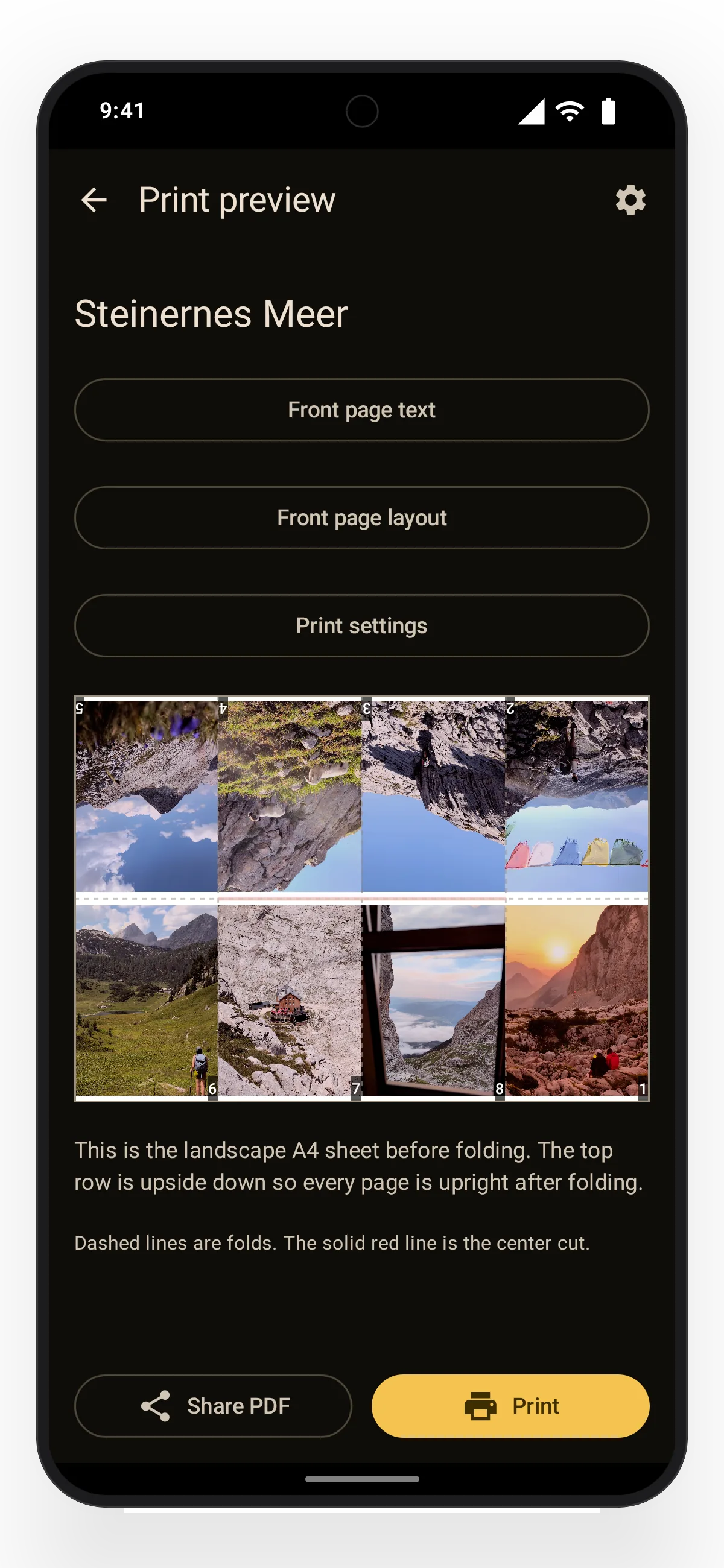
Print your own little photo booklets called zines
A zine is a small eight-page booklet made from one sheet of paper. Choose up to eight photos, arrange the pages, and add a cover. Lvma lays everything out on A4 so you can share the PDF or print, fold, and cut it.
Open beta
Take Lvma with you.
Lvma is free, has no ads, and diagnostics stay off unless you opt in. If you try the beta and something feels off — or something feels great — I’d genuinely like to hear about it: info@lvma.app.

Reading this on a desktop? Scan to open Google Play on your phone.